

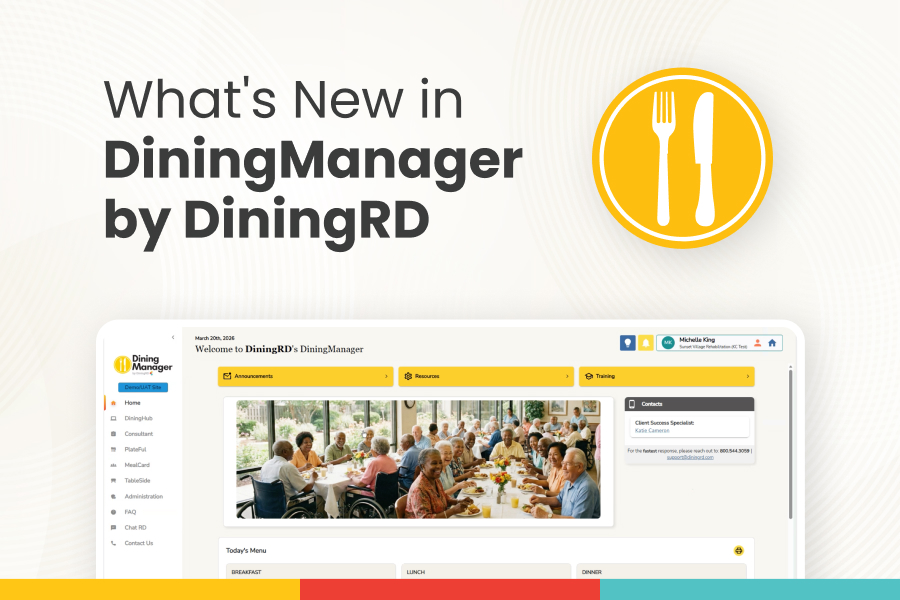
Dietitian Intelligence
RecipeCapture + SmartDiet are here!
Take your chef’s signature recipes or your residents’ favorite home recipes and upload them instantly with RecipeCapture. Then use SmartDiet to automatically create therapeutic and texture-modified versions — saving hours while standardizing recipes and preserving the meals your residents love.
Join our upcoming Dietitian Intelligence Training on Monday to see RecipeCapture and SmartDiet in action — and discover MenuPlanner Plus, our newest tool that helps you instantly build customized menus with intelligent recommendations based on resident preferences, seasonal favorites, cuisine types, dietary needs, and more.
Important MealCard Update- Action May be Required
If your community prints MealCards, please review your resident profiles in MealCard.
Beginning this week, residents without a documented diet order — including those on a Regular diet — will not have menu items appear on printed MealCards.
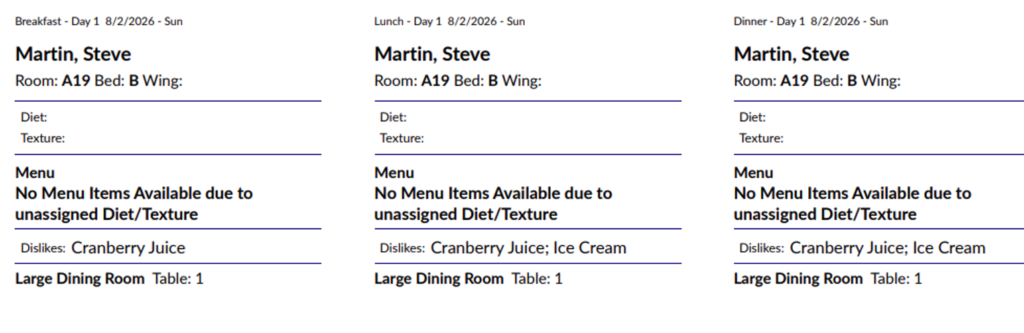
If your community prints MealCards:
- • Verify every resident has a documented diet order under both the Diet and Diet Texture tabs.
- • Don’t forget to include residents on a Regular diet or Regular texture.
Don’t print MealCards? You can still benefit from a complete MealCard profile – including diet orders, texture modifications, allergies, dining preferences, adaptive dining needs, and other resident information — which helps your team deliver safe, accurate, and personalized dining experiences. Explore our extensive rosters and reports and see how MealCard profiles integrate with TableSide to support your dining operations. No matter your service style, we’re here to help you deliver exceptional hospitality to every resident.
Need assistance? Our Support Team is happy to help. You can also join one of our upcoming MealCard training sessions to learn best practices and get the most from MealCard.
Additional MealCard Enhancements
Fortified Food Indicator: Quickly identify fortified foods with a new indicator, plus a dedicated Fortified Food Roster Report for easier tracking and reporting.
Diet Roster Report Enhancement: Print your Diet Roster sorted by Room Number to streamline meal service and tray line organization.
New Resident Preference Substitutions: Record resident food preferences as MealCard Substitutions to help dining teams serve preferred menu options whenever choices are available (such as fried eggs instead of scrambled eggs).
🍽️ Recipe Organization Tip
Did you know our recipes are organized with recipe tags?
Recipes are tagged by skill level, cuisine, season, diet type, meal occasion, and more — making it easier to organize your recipe library and helping MenuPlanner Plus create menus that match your specific needs.
New available tags include:
- • Low-Sodium
- • Low-Fat
You can now also use our AI-powered tag suggestions to automatically categorize your custom house recipes.
Plateful Report Updates
We’ve added several reporting enhancements to PlateFul.
Nutrition Analysis Report
You can now:
- • Select a custom date range
- • Filter by specific meals
Recipe Nutrition Labels
Generate printable recipe labels with the level of detail you need:
- • Recipe Name + Allergens
- • Recipe Name + Allergens + Ingredients
- • Recipe Name + Allergens + Ingredients + Nutrition Facts
These new options make it easier to support production, compliance, and kitchen operations.